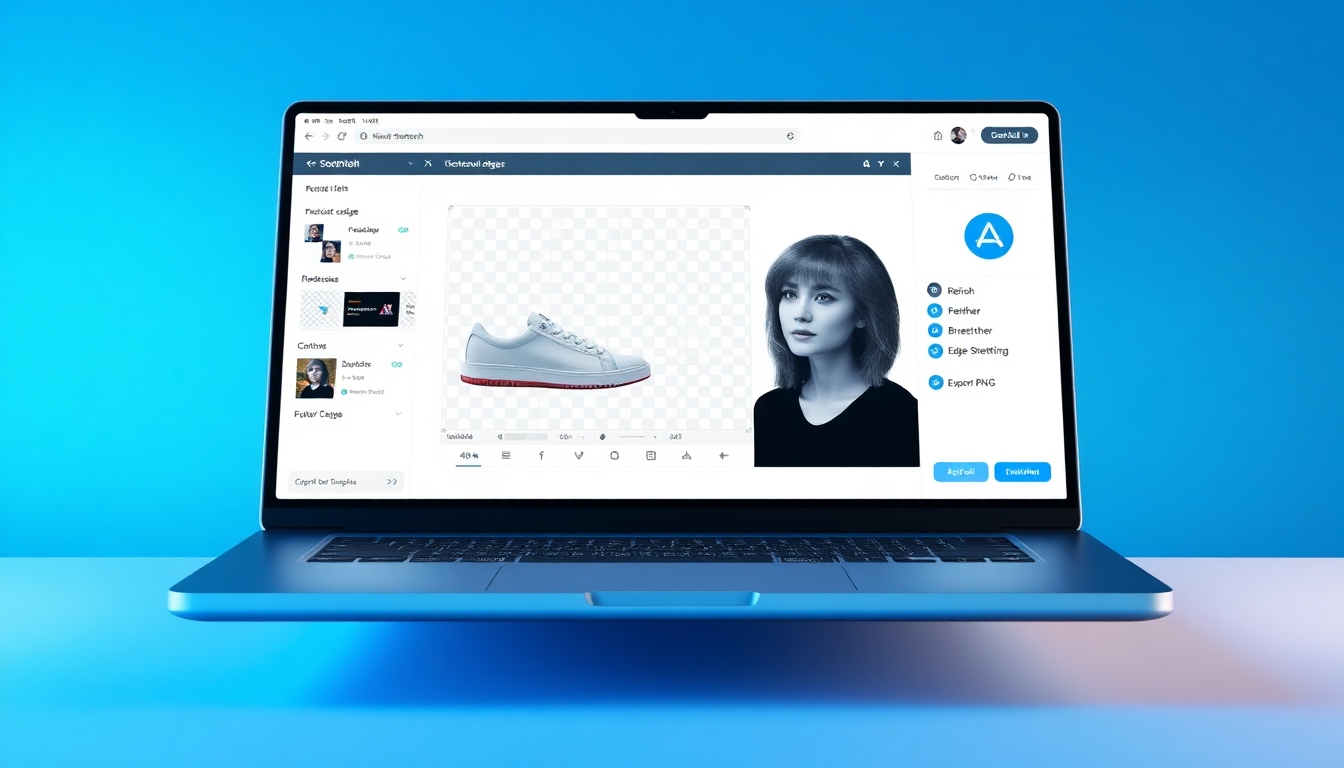
transparent background maker
The transparent background maker that turns any photo into a clean, ready-to-use PNG
Meet the transparent background maker built for speed, accuracy, and simplicity. On story321.com, drag-and-drop any image and get a razor-sharp transparent PNG in seconds. Our AI isolates subjects cleanly, even around hair and fine details, while you refine edges with intuitive brushes for pixel-perfect results.
What is a transparent background maker?
A transparent background maker is a specialized AI tool that automatically removes the background from photos and exports a clean, transparent PNG. Designers, sellers, marketers, and creators use a transparent background maker to place subjects seamlessly onto any backdrop, build composites, and deliver professional visuals without manual masking. On story321.com, our transparent background maker balances one-click automation with precise manual controls. You’ll preserve full resolution, keep fine edges intact, and export in the formats your workflow demands—PNG for transparency, plus JPG and WEBP when needed. Whether you’re prepping product shots, profile images, or brand assets, our transparent background maker gets you there fast, with quality that stands up to scrutiny.
AI auto-cutouts with pro-level edge handling for hair, fur, and complex shapes
High-resolution support and transparent PNG export for instant, clean overlays
Manual refine tools—add/remove brush, feather, smooth, and background restore
Batch processing to handle entire product catalogs in one go
Private, secure processing that respects your files and time
Why choose our transparent background maker
Purpose-built for creators and businesses, our transparent background maker on story321.com delivers precision, speed, and control. From automatic edge detection to studio-grade exports, it’s the dependable way to turn any image into a flexible asset.
One-click AI cutouts
Drop in your image and let our transparent background maker detect the subject instantly. Smart edge modeling preserves wispy hair, fabric threads, and fine contours—no manual tracing required.
High‑res transparency
Export crisp transparent PNGs at full resolution. Our transparent background maker protects detail and color fidelity, so your assets look sharp on websites, ads, and print layouts.
Manual refine brush
Perfect the cutout with add/remove brushes, feathering, and edge smoothing. The transparent background maker gives you intuitive local control without complex menus.
Batch processing
Process dozens or hundreds of images in one flow. The transparent background maker automatically applies consistent settings so product catalogs look unified and professional.
Background swap & canvas
After removing the background, drop your subject onto solid colors, gradients, or custom images. The transparent background maker doubles as a quick layout stage.
Fast, browser‑based workflow
No installs. Our transparent background maker runs smoothly in your browser with GPU‑accelerated processing for near‑instant results, even on large files.
Multi‑format support
Upload PNG, JPG, JPEG, or WEBP and export transparent PNG or WEBP. The transparent background maker fits your pipeline instead of forcing a new one.
Privacy and security
Your files stay private. The transparent background maker uses secure transfer and time‑limited processing so your images aren’t shared or reused.
Perfect for every project
Whether you’re polishing storefront images or refining brand assets, our transparent background maker shortens your path from raw photo to production‑ready graphic.
E‑commerce product photos
Make products pop on white, black, or seasonal backdrops. The transparent background maker creates consistent, storefront‑ready PNGs for shops and marketplaces.
Logos and brand assets
Remove white boxes from logos and export clean PNGs. The transparent background maker preserves crisp edges for decks, websites, and print collateral.
Headshots and portraits
Produce professional profile photos with studio‑clean cutouts. The transparent background maker keeps hair detail intact and supports subtle feathering.
Social media content
Layer subjects over bold graphics or motion backgrounds. The transparent background maker helps you ship scroll‑stopping posts and stories fast.
Presentations and decks
Drop transparent images into slides without visual clutter. The transparent background maker gives you flexible assets that fit any theme.
Marketing and ads
Build clean composites for banners, product features, and retargeting ads. The transparent background maker ensures consistent edges and color.
Print and packaging
Export high‑resolution transparent PNGs for labels, packaging, and catalogs. The transparent background maker maintains accurate outlines at scale.
Education and tutorials
Create clear step‑by‑step visuals with isolated elements. The transparent background maker helps instructors prepare distraction‑free graphics.
How to use the transparent background maker
Get a professional transparent PNG in minutes. Our transparent background maker combines instant AI cutouts with simple tools to refine edges and export at full quality.
Upload your image
Drag and drop a PNG, JPG, JPEG, or WEBP into the transparent background maker on story321.com, or click Upload to browse from your device.
Let AI remove the background
In a few seconds, the transparent background maker isolates the subject and shows a live preview over the checkered transparency grid.
Refine edges if needed
Use add/remove brushes, feather, and smoothing to perfect hair, fabric, and complex edges inside the transparent background maker.
Swap or keep transparency
Keep a fully transparent background or place your subject on a solid color, gradient, or custom image—all inside the transparent background maker.
Export your file
Download as a transparent PNG for design flexibility, or choose JPG/WEBP when transparency isn’t required. The transparent background maker preserves resolution.
Pro tips for sharper cutouts
- •Start with good lighting and contrast to help the transparent background maker detect edges.
- •Use the zoom and edge brush for hairlines and small accessories.
- •Feather by 1–2 px to blend subjects smoothly without visible halos.
- •If you see color spill, reduce edge softness inside the transparent background maker.
- •Batch similar images together so settings stay consistent across a collection.
- •Export PNG for transparency; use WEBP for small file sizes on the web.
For best results, upload the highest‑resolution image you have. The transparent background maker scales down as needed and retains fine detail.
Transparent background maker FAQs
Everything you need to know about using the transparent background maker on story321.com.
Is the transparent background maker free?
Yes. You can use the transparent background maker on a free plan to process images with generous limits. For higher volumes and advanced options like batch processing, upgrade anytime.
What file types does the transparent background maker support?
You can upload PNG, JPG, JPEG, and WEBP. The transparent background maker exports transparent PNGs for cutouts and also supports JPG and WEBP when transparency isn’t required.
Will it handle hair, fur, and complex shapes?
Absolutely. The transparent background maker uses AI edge detection and matting to preserve fine detail. Use the refine brush, feather, and smoothing to perfect tricky areas.
Does the transparent background maker reduce image quality?
No. We maintain your original resolution and color profile during processing. The transparent background maker is designed to keep edges sharp and colors true.
Can I process multiple images at once?
Yes. Batch processing lets you run many files in one go with consistent settings. The transparent background maker is optimized for product catalogs and larger projects.
How is my data handled?
Your uploads are transferred securely and processed for your session, then cleaned up according to policy. The transparent background maker does not share or reuse your images.
Do I need design experience to use it?
Not at all. The transparent background maker is built for beginners and pros. One‑click background removal plus simple refine tools get you production‑ready results quickly.
What’s the best export format for transparency?
Use PNG. The transparent background maker exports clean, lossless transparent PNGs that drop seamlessly into design tools, presentations, and websites.
Try the transparent background maker now
Upload an image and get a transparent PNG in seconds. Speed, quality, and control—powered by AI on story321.com.
No install required. The transparent background maker runs in your browser and works on Mac, Windows, and Linux.