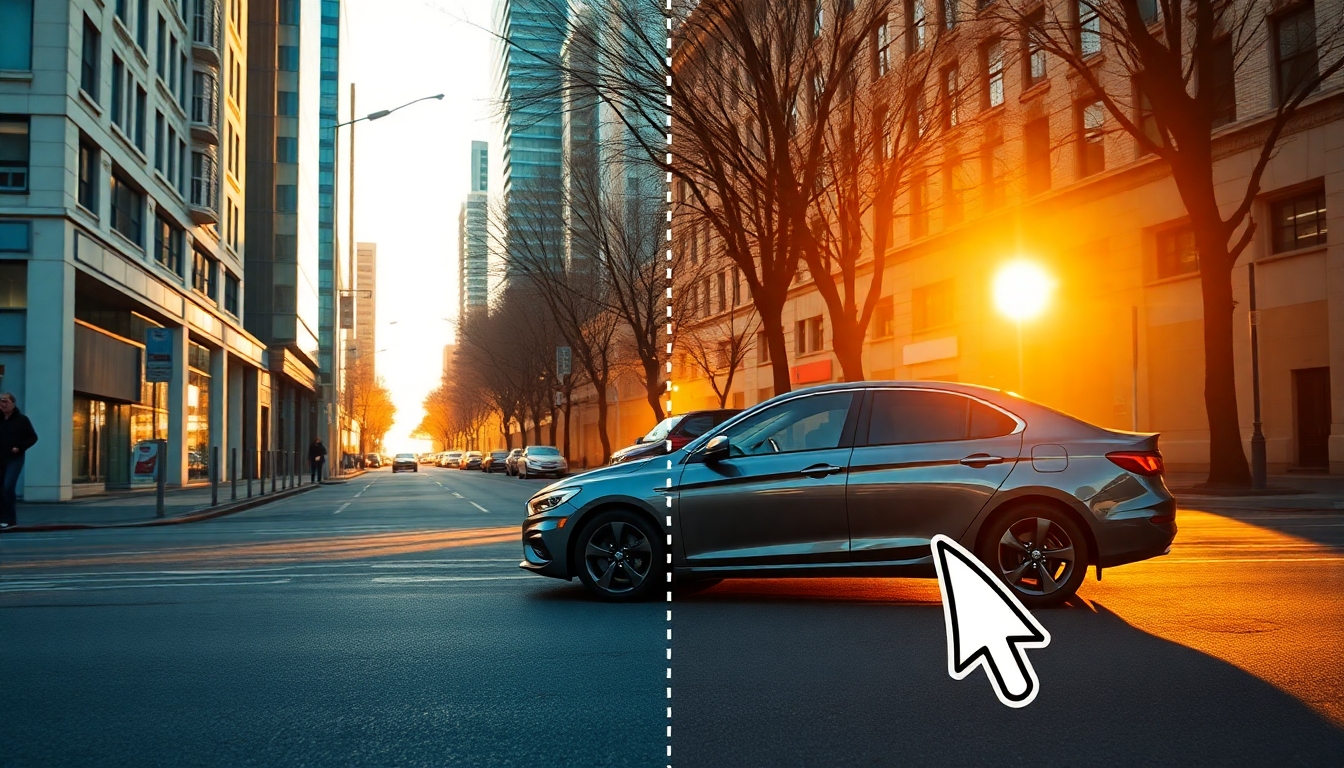
Remove Car From Photo
The best free AI tool to erase cars and restore clean scenes in seconds
Instantly Remove Car From Photo with Story321’s AI. Upload, brush, and watch the car vanish while our inpainting reconstructs roads, lines, and textures for natural results. Get fast, high‑resolution exports, batch options, and mobile access—all in your browser.
Click to select an image
or drag and drop here
Supported formats: JPG, JPEG, PNG, WEBP, GIF • Max 10MB
What is Remove Car From Photo?
Remove Car From Photo is a smart, AI-powered object remover by Story321 that seamlessly deletes vehicles from any picture and rebuilds the background as if the car was never there. Whether you need a distraction-free street, a clear driveway for a real estate listing, or a polished travel photo, our algorithm combines object detection with edge-aware inpainting to reconstruct pavement, grass, fences, shadows, and perspective. With Remove Car From Photo, results look natural, edits are quick, and you keep full image quality. It’s intuitive enough for beginners and precise enough for creative pros.
One-click car detection plus manual refine tools for pixel-perfect edits
Edge-aware inpainting that restores roads, lines, shadows, and reflections
High-resolution exports with no watermark on paid plans
Works on web and mobile, so you can Remove Car From Photo anywhere
Batch processing for multi-image workflows and bulk edits
Before/after preview to compare and fine-tune every detail
Features that make removing cars effortless
From one-click detection to professional-grade refinements, Remove Car From Photo combines speed with precision. Every feature is designed to save time, preserve quality, and produce edits that look like the original scene.
One‑Click Car Detection
Automatically find and isolate vehicles, then Remove Car From Photo with a single click. AI masks the car while preserving people, buildings, and lines for realism.
Seamless Background Inpainting
Our model rebuilds streets, grass, fences, lane markings, and shadows so Remove Car From Photo edits blend naturally with the scene and perspective.
Precision Brush & Erase
Refine any area with soft and hard brushes, adjustable sizes, and edge snapping to Remove Car From Photo exactly where you want—no halos or smears.
High‑Resolution Export
Keep your detail. Download crisp, high‑res outputs after you Remove Car From Photo, ideal for listings, print, and social media.
Batch Processing
Speed through galleries by queuing multiple images to Remove Car From Photo in one pass—perfect for agencies and marketplaces.
Edge‑Aware Rebuild
Advanced AI respects edges, textures, and vanishing lines so when you Remove Car From Photo, pavements, curbs, and rails look intact.
Before/After Preview
Toggle views or use a draggable slider to compare, then fine-tune your Remove Car From Photo result for perfect realism.
Mobile & Desktop
Use Remove Car From Photo anywhere. Our responsive interface is optimized for touch and mouse with fast, cloud rendering.
Privacy‑First Editing
Edits run securely. You control your files when you Remove Car From Photo, with quick deletion and project-based storage.
Alternate Mode: Remove Background
Need the opposite? Switch modes to remove the background around a car, not the car—complementary to Remove Car From Photo workflows.
Powerful use cases for every creator
From real estate to social feeds, Remove Car From Photo helps you control the story in your images. Polish scenes, remove distractions, and keep attention where it matters.
Real Estate & Architecture
Clear driveways, streets, and front yards to spotlight property features. Remove Car From Photo to reveal curb appeal without visual clutter.
Travel & Lifestyle
Erase parked cars from scenic shots so landscapes shine. Use Remove Car From Photo to restore beaches, mountains, and city streets.
Marketplaces & E‑commerce
Create clean product backdrops by removing stray vehicles from lot photos. Remove Car From Photo for consistent, trustworthy listings.
Car Dealerships & Listings
Highlight a single vehicle by removing others from the frame. Use Remove Car From Photo to curate clean, focused catalog images.
Social Media Creators
Keep your audience focused on you. Remove Car From Photo to clean up backgrounds before posting Reels, Stories, or carousels.
Photographers & Designers
Speed up retouching while maintaining quality. Remove Car From Photo for client galleries and comps without tedious manual cloning.
How to Remove Car From Photo with Story321
Follow these simple steps to Remove Car From Photo and get a realistic, high‑resolution result in minutes.
Upload your image
Open Story321, drag your picture in, or paste from clipboard. For best results when you Remove Car From Photo, use the highest resolution available.
Let AI detect the car
Click Auto Select to highlight vehicles. If needed, brush to add or subtract areas so Remove Car From Photo targets exactly what you want gone.
Remove and inpaint
Press Remove Car From Photo. Our engine deletes the car and rebuilds roads, grass, shadows, and lines to match lighting and perspective.
Refine the result
Use the Restore, Smooth, and Edge tools to tidy minor artifacts. Re-run Remove Car From Photo on small regions for pixel-perfect blending.
Export in high resolution
Download PNG or JPG up to original size. Save presets for batch workflows to quickly Remove Car From Photo across multiple images.
Pro tips for flawless results
- •Zoom to 200% and trace edges with a small brush before you Remove Car From Photo for cleaner borders.
- •Match the inpainting to the scene: choose Street, Nature, or Mixed mode to guide how textures rebuild when you Remove Car From Photo.
- •Use the Shadow Preserve toggle to keep realistic ground shadows while you Remove Car From Photo.
- •Run a quick before/after check and re-inpaint tiny zones to perfect details after you Remove Car From Photo.
- •For batch sets, group images by scene type so Remove Car From Photo uses the best texture model per group.
Complex scenes with dense traffic or reflections may require a second pass. Save a copy before you Remove Car From Photo so you can compare versions.
Frequently asked questions
Everything you need to know to Remove Car From Photo with confidence.
Is Remove Car From Photo free?
Yes, you can Remove Car From Photo free with our starter plan. It includes standard resolution and limited exports. Upgrade for watermark-free, high-res downloads and batch editing.
Will the result look natural?
Our edge-aware inpainting reconstructs textures, lines, and shadows so when you Remove Car From Photo, the background blends realistically with the rest of the scene.
How long does it take?
Most images Remove Car From Photo in seconds. Large, complex photos may take up to a minute, especially when rebuilding detailed textures or multiple vehicles.
Does it work on mobile?
Yes. You can Remove Car From Photo on any modern browser, mobile or desktop. The interface is touch-friendly and supports high-res exports.
Can I remove other objects too?
Absolutely. Use the same tools to Remove Car From Photo, people, signs, traffic lights, wires, or any unwanted object with precise selection and inpainting.
Will image quality be preserved?
We maintain the original resolution and color profile. When you Remove Car From Photo, you can export up to the source size with minimal quality loss.
What if AI selects the wrong area?
Refine with Add/Subtract brushes and feather edges. Re-run Remove Car From Photo on small zones for perfect borders.
Can I process multiple photos at once?
Yes, batch mode lets you queue folders and apply consistent settings to Remove Car From Photo across many files.
Is my content private?
Your files are processed securely. You control retention and can auto-delete after you Remove Car From Photo or keep projects in your account.
Can I remove the background instead?
Yes. Switch to Background Removal mode to cut out the car. It complements Remove Car From Photo for complete workflow flexibility.
Try Remove Car From Photo now
Clean up your images in seconds with realistic AI inpainting. Start free, upgrade anytime, and keep full quality when you Remove Car From Photo.
No signup needed to start. For best results, upload the highest resolution photo you have before you Remove Car From Photo.