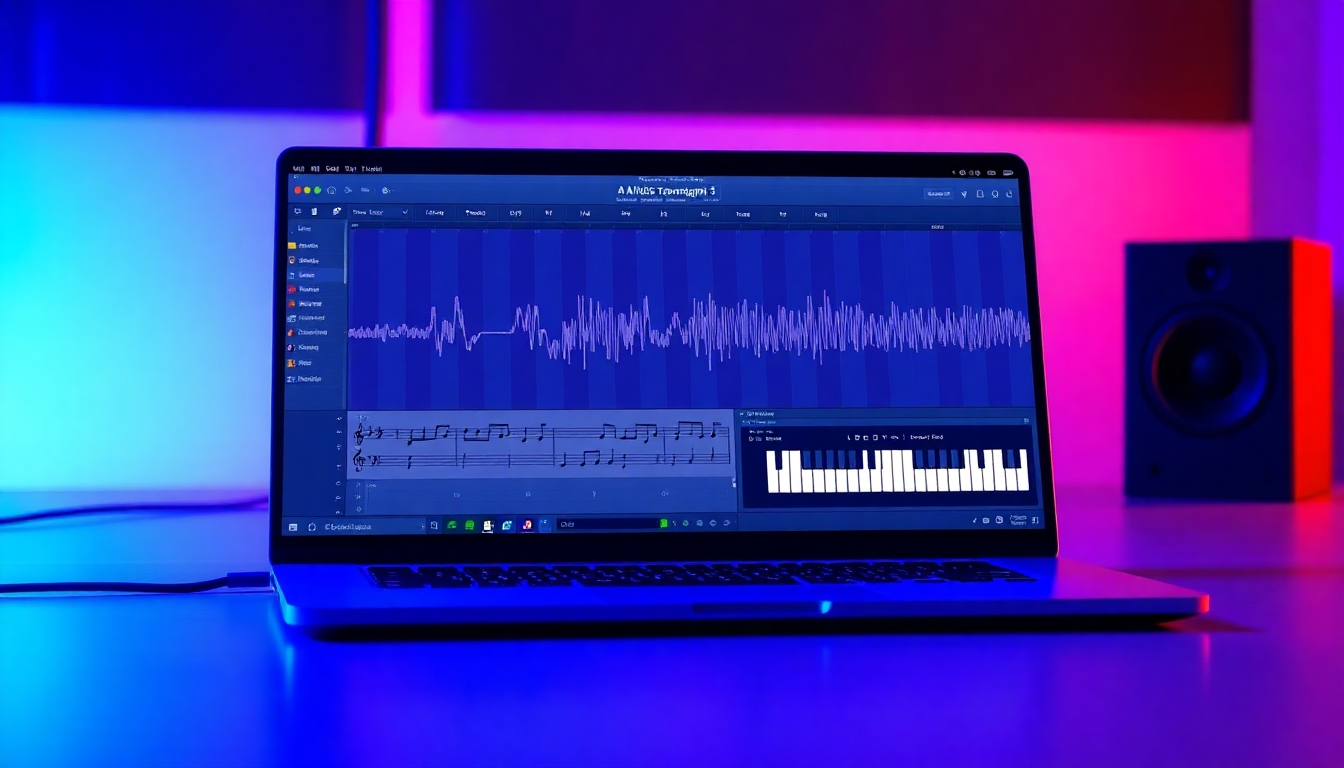
AI Music Transcription
The best free AI transcription to sheet music, MIDI, and tabs in seconds
Transform any audio into clean notation, MIDI, and tabs in seconds. AI Music Transcription at story321.com recognizes instruments, separates parts, and delivers edit-ready results faster than manual work—so you can practice, produce, and publish with confidence.
Features that make AI Music Transcription effortless
From upload to export, every step of AI Music Transcription at story321.com is designed to be fast, accurate, and flexible for musicians, educators, and producers. Enjoy studio-grade accuracy, versatile outputs, and a powerful editor that shortens your workflow.
Studio-grade accuracy
Get reliable polyphonic AI Music Transcription for piano, guitar, strings, and full mixes. Our models track pitch, onset, duration, and velocity to produce notation that needs minimal correction.
Multiple input sources
Upload MP3, WAV, AAC, FLAC, or paste a link. AI Music Transcription can also process stems or live takes recorded from your phone for on-the-go capture.
Versatile outputs
Export as PDF sheet music, MIDI, MusicXML, and TABs. AI Music Transcription preserves tempo maps, time signatures, and key signatures for seamless use in your DAW or notation app.
Instrument separation
Separate and transcribe vocals, drums, bass, guitar, piano, and more. AI Music Transcription isolates parts for focused practice and cleaner notation.
Speed at scale
Transcribe solos in seconds and full songs in minutes. Batch processing lets AI Music Transcription handle entire playlists while you work on something else.
Smart notation editor
Fix notes, adjust quantization, simplify rhythms, and add articulations. AI Music Transcription includes an intuitive editor to polish your score without leaving the page.
Bar-beat alignment
Automatic tempo and meter detection align events to your grid. AI Music Transcription snaps notes to the correct measures for cleaner, readable charts.
Drum and percussion mode
Dedicated transcription for kits and percussion maps. AI Music Transcription outputs standard drum notation and MIDI lanes that line up with popular samplers.
Collaboration and sharing
Share view-only links, invite editors, and keep version history. AI Music Transcription makes it easy to work with bandmates and students remotely.
Privacy and security
Your files are encrypted in transit and at rest. AI Music Transcription offers private projects and data retention controls for your peace of mind.
Who uses AI Music Transcription?
Whether you’re learning a solo, scoring a film, or arranging a cover, AI Music Transcription adapts to your goal and your workflow.
Composers and arrangers
Sketch ideas from voice memos and turn references into scores. AI Music Transcription accelerates orchestration and makes arranging faster.
Music educators
Create instant worksheets from popular songs. AI Music Transcription helps craft clean, level-appropriate materials and share them with classes.
Students and self-learners
Slow down parts, isolate instruments, and study notation. AI Music Transcription transforms listening into actionable practice.
Producers and beatmakers
Extract MIDI from samples to re-orchestrate, re-harmonize, or layer synths. AI Music Transcription fits seamlessly into modern production.
Guitarists and bassists
Auto-generate accurate tabs and chord charts from recordings. AI Music Transcription highlights bends, slides, and techniques where available.
Drummers and percussionists
Get drum notation and MIDI lanes from grooves and breaks. AI Music Transcription helps you learn fills and build practice routines.
Choirs and vocal coaches
Separate harmonies, transcribe lead lines, and export parts. AI Music Transcription streamlines rehearsals and part distribution.
Content creators
Turn soundtrack moments into playable cues, with attribution where appropriate. AI Music Transcription delivers quick results for tight deadlines.
How to use AI Music Transcription
From upload to export, follow these simple steps to get accurate results and a polished score.
Upload audio or paste a link
Drop an MP3, WAV, AAC, or FLAC, or paste a public link. AI Music Transcription analyzes the source and prepares a preview.
Choose mode and instruments
Select polyphonic, monophonic, or drum mode. AI Music Transcription can detect and separate vocals, drums, bass, guitar, piano, and more.
Auto-detect tempo and key
AI Music Transcription finds tempo, meter, and key. Adjust the grid if needed for the tightest bar-beat alignment.
Preview and refine
Listen, slow down, and loop tricky sections. Use the editor to quantize, simplify rhythms, and correct any notes.
Split parts and arrange
Route separated instruments to individual staves or tabs. AI Music Transcription makes it easy to build parts for your ensemble.
Export your formats
Download PDF sheet music, MIDI, MusicXML, or TABs. AI Music Transcription keeps your tempo map and key signature intact.
Share and collaborate
Invite teammates or students to comment or edit. AI Music Transcription saves versions so you can roll back anytime.
Pro tips for better results
- •Use the cleanest audio you have; less reverb improves AI Music Transcription.
- •Start with shorter segments for dense passages, then stitch exports.
- •Choose monophonic mode for solos; polyphonic for chords and piano.
- •For drums, select the correct kit map to optimize AI Music Transcription.
- •If timing drifts, tap tempo markers and re-quantize selected bars.
- •Leverage stems: separating bass and drums boosts transcription clarity.
Respect copyright and licensing. Use AI Music Transcription only with content you own, have permission to use, or that is in the public domain.
AI Music Transcription FAQs
Answers to common questions about accuracy, speed, formats, and workflow.
How accurate is AI Music Transcription?
Expect highly accurate results on clear sources and strong performance on complex mixes. Polyphony, fast runs, and dense harmonies are handled well, and the built-in editor lets you quickly correct edge cases.
Which input and output formats are supported?
Inputs: MP3, WAV, AAC, FLAC, and links. Outputs: PDF sheet music, MIDI, MusicXML, and TABs. AI Music Transcription also preserves tempo maps, key signatures, and time signatures.
Can it separate instruments from a full mix?
Yes. AI Music Transcription offers instrument separation for vocals, drums, bass, guitar, piano, and more, producing cleaner, part-specific notation and MIDI.
Does it handle complex rhythms and odd meters?
Yes. AI Music Transcription detects tempo and meter, supports odd time signatures, tuplets, and swing, and provides quantization tools for precise cleanup.
How fast is AI Music Transcription?
Short segments transcribe in seconds and full songs in minutes. Batch processing is available, so you can queue multiple files and keep working.
Is there a free plan?
Yes. Try AI Music Transcription on the free plan with generous limits. Upgrade for higher-length files, batch queues, advanced separation, and priority render speeds.
Can I edit the transcription?
Absolutely. AI Music Transcription includes a notation editor with note entry, quantization, articulation marks, velocity editing, and part formatting.
Will it work on mobile devices?
Yes. AI Music Transcription runs in modern mobile browsers and syncs your projects to the cloud so you can review and share on the go.
Is my data private?
Your files are encrypted in transit and at rest. AI Music Transcription supports private projects and lets you control retention and sharing.
What about legal use and copyright?
Use AI Music Transcription with content you own, have licensed, or that is public domain. For public performances or distribution, ensure appropriate rights and attribution.
Start your first AI Music Transcription now
Upload a file, watch notes appear in seconds, and export clean sheet music, MIDI, or tabs. Try the free plan today and experience faster, smarter AI Music Transcription.
No credit card required. Upgrade anytime for longer files, batch processing, and priority speeds.