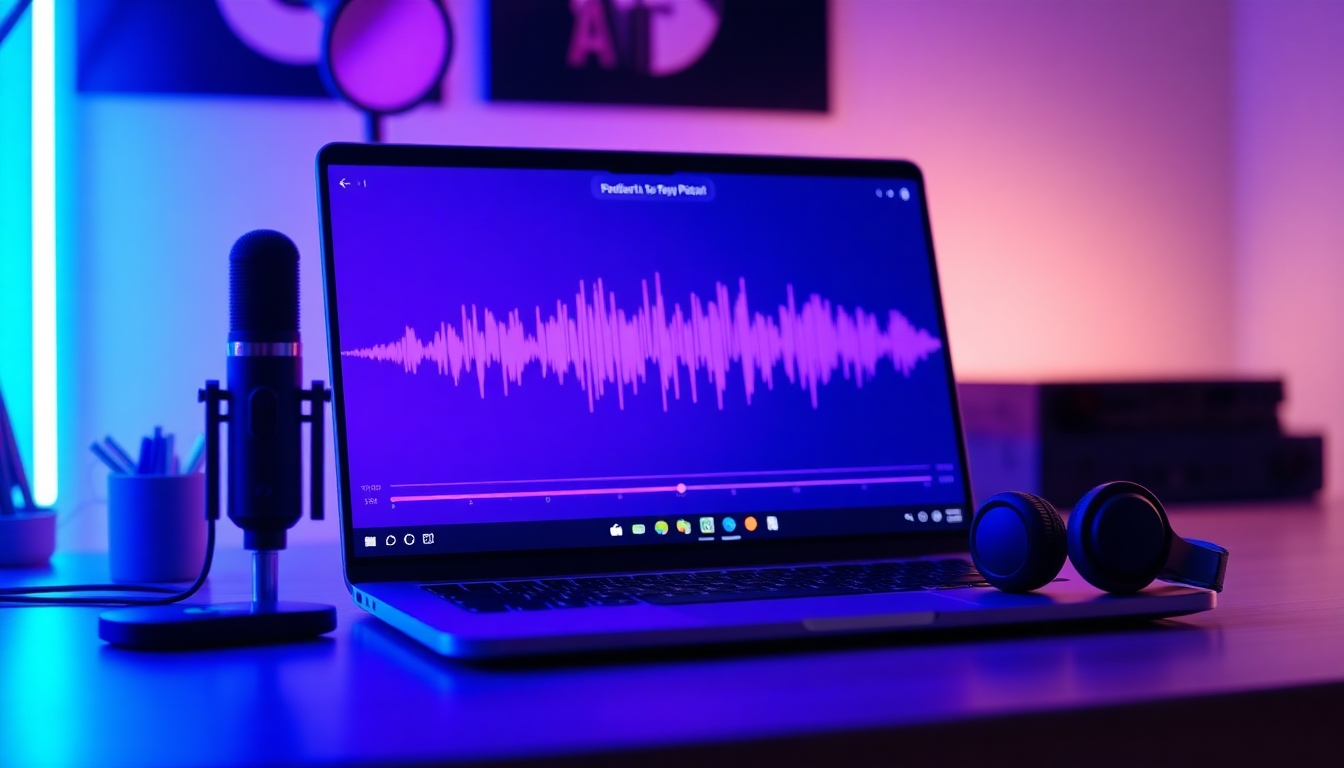
AI Podcast Video Generator
The best free way to turn podcasts into scroll‑stopping videos
Turn long-form audio into scroll-stopping video in minutes. Our AI Podcast Video Generator finds key moments, designs captions, applies your brand, and exports for every channel—YouTube, TikTok, Reels—automatically. Start free and publish faster with studio-quality results.
Powerful features that save hours
Everything you need to turn episodes into polished video with the AI Podcast Video Generator—fast, accurate, and on-brand from the first export.
AI Clip Finder
The AI Podcast Video Generator scans your episode to surface quotable moments, punchy insights, and viral hooks. Approve or refine in a clean timeline, then generate clips instantly.
One-Click Captions
Auto-captions with speaker detection, emoji support, and style presets. The AI Podcast Video Generator keeps captions perfectly synced across all formats and languages.
Brand Presets and Templates
Lock in your logo, fonts, colors, lower thirds, and motion intro/outro. The AI Podcast Video Generator applies your brand automatically to every clip and compilation.
Multi-Format Export
Export 9:16, 1:1, and 16:9 in one pass. The AI Podcast Video Generator reframes speakers, adjusts text, and optimizes layouts for TikTok, Reels, Shorts, and YouTube.
Direct Publishing and Scheduling
Publish to YouTube, TikTok, Instagram, and more from your dashboard. The AI Podcast Video Generator schedules posts, writes descriptions, and adds hashtags for you.
AI B-Roll, Visuals, and Waveforms
Add dynamic waveforms, animated keywords, and AI-suggested B-roll or images. The AI Podcast Video Generator keeps visuals relevant to the topic and tone.
Voices and Royalty-Free Music
Enhance narration with lifelike AI voice options and curated background tracks. The AI Podcast Video Generator auto-ducks music and balances levels for clarity.
Seamless Imports
Connect Apple Podcasts, Spotify, YouTube, or paste an RSS feed. The AI Podcast Video Generator fetches episodes, transcripts, and artwork for quick starts.
Use cases for every podcaster
Whether you’re promoting new episodes or building evergreen libraries, the AI Podcast Video Generator turns your audio into high-performing video content—everywhere.
YouTube podcast videos
Convert full episodes into branded 16:9 videos with chapters and captions using the AI Podcast Video Generator—then publish in one click.
TikTok and Reels highlights
Create viral 9:16 clips with dynamic captions, emojis, and motion graphics. The AI Podcast Video Generator keeps hooks front and center.
Audiograms for LinkedIn and X
Polished square audiograms with waveforms, quotes, and CTA banners. The AI Podcast Video Generator helps you stand out in the feed.
Course and blog embeds
Turn episodes into short explainers or tutorials. The AI Podcast Video Generator exports clean players for embedding on sites and LMS.
Agency client reels
Scale post-production for multiple clients. The AI Podcast Video Generator standardizes brand templates and accelerates delivery.
How to use story321’s AI Podcast Video Generator
Create a polished video from your episode in a few guided steps. The AI Podcast Video Generator automates the heavy lifting while you keep creative control.
Import your podcast
Paste a link from Apple Podcasts, Spotify, YouTube, RSS, or upload MP3/MP4. The AI Podcast Video Generator pulls metadata and transcribes instantly.
Auto-find highlights
Let the AI Podcast Video Generator detect hooks, quotables, and segments. Approve suggested clips or tweak durations in the smart timeline.
Style with your brand
Apply brand presets—logo, fonts, colors, lower thirds, intro/outro. The AI Podcast Video Generator ensures consistent, on-brand visuals.
Add captions and visuals
Enable captions, keywords, waveforms, and optional AI B-roll. The AI Podcast Video Generator syncs everything frame-perfect.
Export and publish
Choose 9:16, 1:1, or 16:9 and publish to YouTube, TikTok, or Instagram. The AI Podcast Video Generator schedules posts and writes descriptions.
Pro tips for standout results
- •Open with a strong hook; trim to the best 30–60 seconds.
- •Use templates per platform: bold for TikTok, clean for YouTube.
- •Add emojis and highlighted keywords to captions sparingly.
- •Batch episodes; the AI Podcast Video Generator thrives on volume.
- •Test multiple thumbnails and titles for each clip.
Free plan includes high-quality exports and caption styling. Upgrade anytime for unlimited, watermark-free publishing and team features.
AI Podcast Video Generator: Frequently Asked Questions
Answers to the most common questions about story321’s AI Podcast Video Generator.
How does the AI Podcast Video Generator actually work?
It transcribes your audio, ranks segments by engagement signals, and auto-builds clips with captions and visuals. You review suggestions, adjust timing and styles, then export in multiple formats or publish directly.
Is there a free plan, and are there watermarks?
Yes. Our free plan gives you the core AI Podcast Video Generator features with high-quality exports. Your first 3 exports each month are watermark-free; after that, exports include a small watermark. Paid plans remove watermarks and raise limits.
Which platforms can I import from and publish to?
Import from Apple Podcasts, Spotify, YouTube, RSS, and direct file uploads. Publish or schedule directly to YouTube, TikTok, Instagram, Facebook, and download for other platforms—all inside the AI Podcast Video Generator.
What output quality can I expect?
The AI Podcast Video Generator supports up to 4K video, accurate caption timing, and broadcast-level audio normalization. Exports are optimized per aspect ratio to keep text legible and speakers well-framed.
Can it help with content ideas and titles?
Yes. The AI Podcast Video Generator suggests hooks, titles, descriptions, and hashtags. It can also propose clip themes and social angles tailored to your audience and platform.
Does it support team collaboration?
Teams can share workspaces, brand presets, and templates. The AI Podcast Video Generator lets editors collaborate on timelines, leave comments, and manage approvals for clients or co-hosts.
How is my data secured?
All uploads are encrypted in transit and at rest. You control access and deletion. The AI Podcast Video Generator processes content securely and complies with modern privacy standards.
Can I replace or enhance narration with AI voices?
Yes. Choose from lifelike AI voices to re-voice lines or create intros. The AI Podcast Video Generator blends narration with royalty-free music and automatic ducking for clarity.
Does it handle different aspect ratios automatically?
Absolutely. The AI Podcast Video Generator reframes speakers, reflows captions, and resizes graphics for 9:16, 1:1, and 16:9 so you can publish platform-perfect clips in one pass.
Start creating podcast videos in minutes
Import an episode, pick your style, and publish everywhere—fast. Try story321’s AI Podcast Video Generator free today.
No credit card required. Keep the first 3 exports watermark-free.