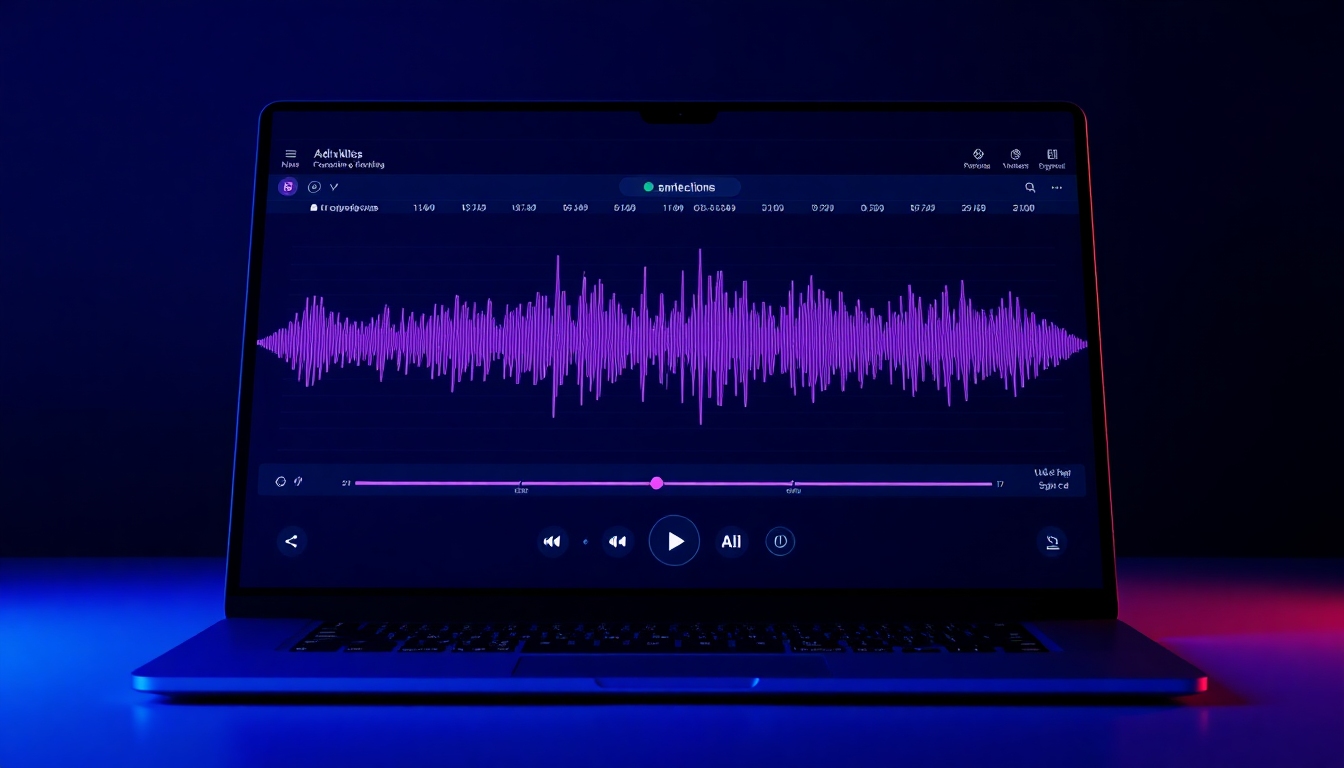
AI Podcast Transcript Generator
The best free way to turn podcasts into accurate, editable transcripts
Turn any episode into searchable, shareable text in minutes. Our AI Podcast Transcript Generator delivers studio-grade accuracy, instant timecodes, and simple editing so you can publish faster, boost SEO, and make every show accessible.
What is an AI Podcast Transcript Generator?
An AI Podcast Transcript Generator converts your podcast audio into clean, readable text automatically. Instead of spending hours typing, you upload an MP3 or WAV (or paste a public episode link) and get a polished transcript with speaker labels, timestamps, and export-ready formats like TXT, DOCX, SRT, and VTT. With the AI Podcast Transcript Generator, you can edit mistakes on the spot, copy quotes, extract highlights, and publish transcripts that improve SEO and accessibility. It’s built for creators, marketers, and teams who need fast, accurate transcription without complexity or high costs.
Transcribe a 30-minute episode in under 5 minutes with timecodes
Edit in-browser: fix words, rename speakers, and auto-punctuate
Export TXT, DOCX, SRT, and VTT for websites, captions, and clips
Boost SEO and accessibility with keyword-rich, readable text
Collaborate securely with shared projects and role permissions
Features built for podcasters and teams
From upload to publish, the AI Podcast Transcript Generator removes busywork and adds precision. Enjoy lightning-fast processing, intuitive editing, and integrations that slide into your current workflow.
Studio‑grade accuracy
Get human-like results right away. The AI Podcast Transcript Generator applies domain-aware models, diarization, and smart punctuation to produce remarkably clean transcripts.
Speed that matches your schedule
Transcribe a 30-minute episode in minutes. The AI Podcast Transcript Generator streams results live so you can start editing before the audio finishes.
Timecoded, clickable transcripts
Every line includes precise timestamps. The AI Podcast Transcript Generator lets you jump from text to exact audio moments for quick review.
In-browser editing
Fix words, split paragraphs, and rename speakers with a familiar doc-like editor. The AI Podcast Transcript Generator updates timecodes as you edit.
One‑click exports
Publish anywhere. The AI Podcast Transcript Generator exports TXT, DOCX, PDF, SRT, and VTT for blogs, captions, and social clips.
Link-based import
Paste an episode URL from your hosting platform. The AI Podcast Transcript Generator fetches the file and starts transcribing automatically.
Show notes and summaries
Turn transcripts into episode summaries, bullet highlights, and newsletter blurbs. The AI Podcast Transcript Generator accelerates content repurposing.
SEO insights
Surface keywords, topics, and chapters. The AI Podcast Transcript Generator helps you structure content to rank and improve discoverability.
Accessibility ready
Open your show to everyone with readable transcripts and caption files. The AI Podcast Transcript Generator meets accessibility best practices.
Team collaboration
Invite teammates, set roles, and review changes. The AI Podcast Transcript Generator keeps your workflow organized and secure.
Speaker diarization
Identify and label speakers automatically—even in multi-guest sessions. The AI Podcast Transcript Generator makes dialogue easy to follow.
Language support
Transcribe dozens of languages with consistent formatting. The AI Podcast Transcript Generator supports multilingual teams and audiences.
Where this tool shines
Whether you publish weekly or produce at scale, the AI Podcast Transcript Generator saves hours and amplifies every episode.
Solo and interview shows
Create accurate, timecoded transcripts for Q&A, roundtables, and monologues with the AI Podcast Transcript Generator.
Marketing and content teams
Repurpose transcripts into blogs, social threads, and newsletters; the AI Podcast Transcript Generator turns audio into fuel for every channel.
Education and training
Provide study aids and captions for lectures or internal trainings using the AI Podcast Transcript Generator.
Media and journalism
Quote precisely and search moments by timecode. The AI Podcast Transcript Generator supports rapid editorial workflows.
Agencies and production houses
Standardize deliverables—transcripts, show notes, and captions—from one dashboard with the AI Podcast Transcript Generator.
Accessibility and compliance
Publish inclusive transcripts and caption files to meet guidelines using the AI Podcast Transcript Generator.
How to use the AI Podcast Transcript Generator
Get from audio to polished transcript in five simple steps. The AI Podcast Transcript Generator streamlines everything so you can focus on storytelling.
Upload or paste your episode link
Drag an MP3/WAV or paste a public URL. The AI Podcast Transcript Generator instantly queues your file.
Choose language and options
Select language, speaker count, and timecode frequency. The AI Podcast Transcript Generator optimizes for clarity and speed.
Review the live transcript
Watch text appear as your audio processes. Click a timestamp to jump and verify lines in the AI Podcast Transcript Generator.
Edit and finalize
Fix names, add keywords, and clean up formatting. The AI Podcast Transcript Generator keeps timestamps synced as you edit.
Export and publish
Download TXT, DOCX, SRT, or VTT, or copy to your CMS. The AI Podcast Transcript Generator makes publishing effortless.
Pro tips for flawless transcripts
- •Record clean audio—better input improves the AI Podcast Transcript Generator’s accuracy.
- •Set consistent speaker labels early to keep the AI Podcast Transcript Generator aligned.
- •Use timecodes every 15–30 seconds for navigation and clip creation.
- •Add topic headers and keywords to boost SEO value from each transcript.
- •Export SRT/VTT to add captions to YouTube, social clips, and course players.
Free plan includes generous minutes to test the AI Podcast Transcript Generator. Upgrade for longer episodes, advanced exports, and team collaboration.
Frequently asked questions
Everything you need to know about speed, accuracy, pricing, and formats with the AI Podcast Transcript Generator.
How accurate is the transcription?
With clean audio, the AI Podcast Transcript Generator delivers studio-grade accuracy. You can fine-tune in the editor, with smart punctuation and speaker labels that update automatically.
How fast is it?
A typical 30-minute episode transcribes in minutes. The AI Podcast Transcript Generator streams text live so you can start reviewing immediately.
Is there a free plan?
Yes. You can start on a free plan to try the AI Podcast Transcript Generator with no credit card. Upgrade only if you need longer limits or team features.
Which audio and export formats are supported?
Upload MP3 or WAV. Export TXT, DOCX, PDF, SRT, and VTT. The AI Podcast Transcript Generator keeps timecodes and speaker labels intact.
Can I edit the transcript?
Absolutely. The in-browser editor lets you correct words, rename speakers, and adjust paragraphs while the AI Podcast Transcript Generator keeps timestamps synced.
Does it add timecodes automatically?
Yes. The AI Podcast Transcript Generator inserts precise timecodes and makes them clickable for instant audio navigation.
Will it improve SEO?
Publishing transcripts gives search engines text to index. The AI Podcast Transcript Generator also highlights keywords, chapters, and topics to strengthen discoverability.
Does it support multiple speakers or guests?
Yes. The AI Podcast Transcript Generator includes speaker diarization to identify and label different voices across the episode.
What about privacy and security?
Your files are encrypted in transit and at rest, and projects are private by default. The AI Podcast Transcript Generator supports team roles and access controls.
Can I generate show notes and summaries?
Yes. From each transcript, the AI Podcast Transcript Generator creates show notes, bullet highlights, and summary drafts you can publish in minutes.
Transcribe your next episode in minutes
Skip manual typing and publish faster with timecoded, editable text. Try the AI Podcast Transcript Generator free today.
Built for creators on story321.com — fast, accurate, and ready to scale.