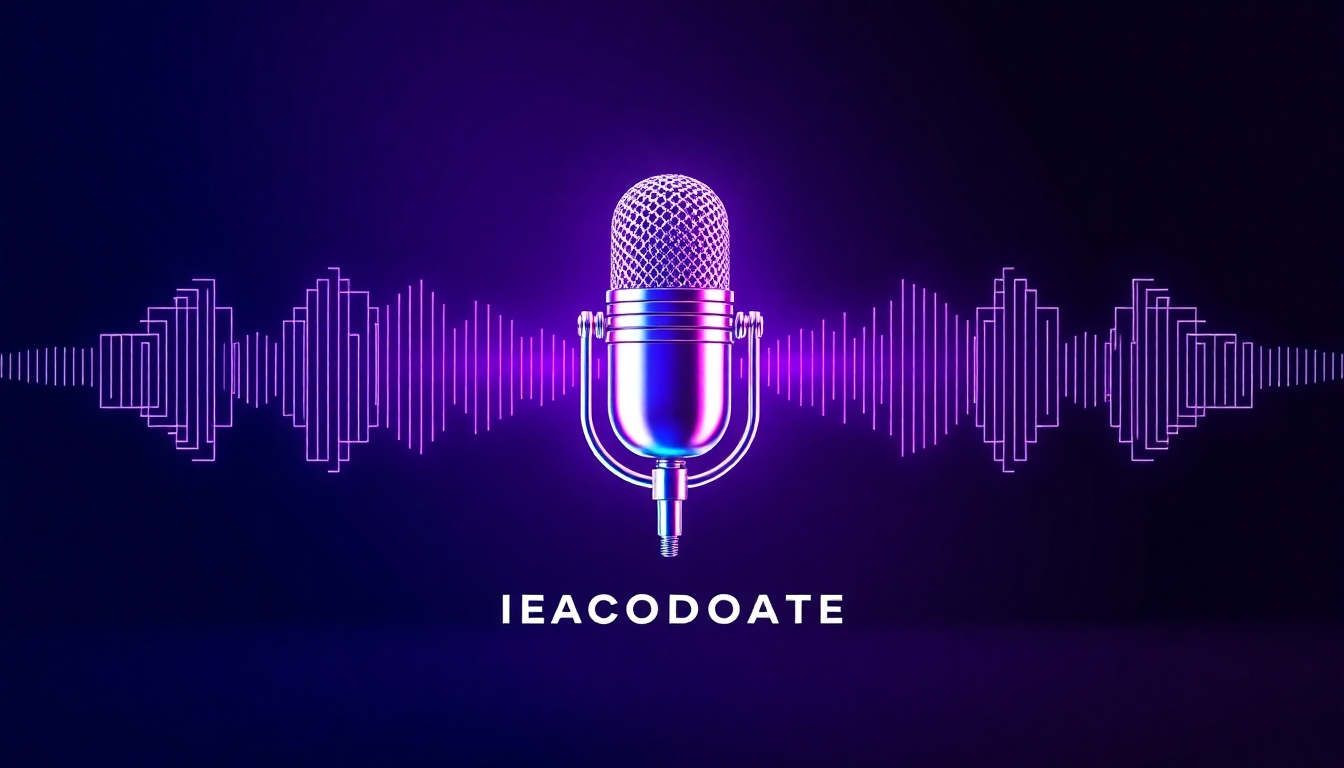
Design podcast cover art that listeners can’t scroll past
Best‑in‑class AI covers with free previews, instant downloads
Turn a simple text idea into scroll‑stopping cover art in seconds. The AI Podcast Cover Generator on story321.com blends typography, color, and imagery into platform‑perfect designs—no design skills required, just type and generate.
What is the AI Podcast Cover Generator?
The AI Podcast Cover Generator is your fast lane to professional, eye‑catching podcast artwork. Describe your show in plain words—topic, mood, colors, and vibe—and our model produces polished, 3000×3000 px covers aligned with podcast platform guidelines. Whether you’re launching a new show or refreshing an existing brand, the AI Podcast Cover Generator streamlines concepting, design, and export, so you can publish without delays or designer fees. Get brand‑ready typography, balanced layouts, and consistent visual identity in minutes. Import your logo and palette, choose from curated styles, and refine with smart suggestions that follow industry best practices for legibility and impact. With a live gallery of examples, one‑click variations, and built‑in platform checks, the AI Podcast Cover Generator helps you create unique artwork that feels premium, on‑brand, and unmistakably yours.
Text‑to‑cover in seconds: describe your show and get instant designs
3000×3000 px, RGB, JPG/PNG: platform‑ready for Apple Podcasts and Spotify
Brand kit support: logos, colors, fonts, and reusable templates
Variation engine: explore styles, layouts, and art directions quickly
Free preview and affordable upgrades—publish without overspending
Features that make great cover art effortless
Design quality and speed shouldn’t be a trade‑off. The AI Podcast Cover Generator combines creative direction, brand controls, and export‑ready outputs into one streamlined workspace—so you can move from idea to published cover in minutes.
Text‑to‑Design Generation
Type a simple text description—topic, tone, and visual cues—and the AI Podcast Cover Generator translates it into multiple cover concepts with balanced composition and clear hierarchy.
Platform‑Perfect Sizing
Auto‑formats to 3000×3000 px, RGB color, and optimized file sizes that meet Apple Podcasts, Spotify, and major host requirements—no manual resizing or DPI guesswork.
Smart Typography Engine
Enjoy legible, modern font pairings and title/subtitle lockups that scale well in small thumbnails—curated to follow best practices for podcast cover readability.
Brand Kit Controls
Upload your logo, choose brand colors and fonts, and save templates. The AI Podcast Cover Generator keeps every variation consistent with your identity.
One‑Click Variations
Explore alternative layouts, colorways, and imagery instantly. Lock what you like—title, logo, or palette—and spin fresh options around those choices.
Stock + AI Imagery
Blend AI‑generated art with curated stock textures, shapes, and illustrations for a unique look that stands out without feeling generic.
Guided Best Practices
Built‑in checks for contrast, safe margins, title length, and logo placement help you follow proven design rules for higher click‑through.
Instant Exports
Download PNG or high‑quality JPG optimized for hosting platforms and social teasers, with optional layered files for pro workflows.
Team Collaboration
Share previews, gather feedback, and approve the final in one place. Commenting and version history keep everyone aligned.
Start a Podcast from Scratch
Go beyond cover art: name generator, show description helper, trailer script starter, and RSS setup guidance—launch your show end‑to‑end.
Lightning‑Fast Performance
Create stunning podcast cover art in seconds. The AI Podcast Cover Generator renders multiple concepts rapidly so you never wait on design.
Affordable & Free Preview
Try before you buy with free previews. Upgrade for high‑res exports and brand kits—budget‑friendly for indie creators and teams.
Perfect for every show and workflow
From indie storytellers to studio networks, the AI Podcast Cover Generator adapts to your goals, helping you move fast while staying on brand.
New Show Launch
Generate a complete visual identity—title styles, color system, and image direction—so you can announce and publish on schedule.
Rebrands & Refreshes
Keep your audience while modernizing your look. Lock your logo and palette, then explore fresh layouts and art directions safely.
Seasonal Artwork
Create seasonal variations with shared elements. The AI Podcast Cover Generator keeps continuity while introducing new energy.
Guest or Miniseries Editions
Spin out consistent guest or miniseries covers with templated title areas and accent colors for fast, recognizable campaigns.
Agency & Network Templates
Build reusable kits for multiple shows. Maintain typography standards, spacing rules, and brand guardrails across your catalog.
Educational & Nonprofit Shows
Create credible, accessible artwork with strong contrast and clear titles that read well at small sizes—on a tight budget.
Social Teasers & Trailers
Export square covers and matching story tiles for promos. Keep the visual thread from cover to post in a click.
From Idea to First Episode
Use naming help, blurb generator, and trailer prompts to go from concept to published pilot—cover included.
How to use the AI Podcast Cover Generator
Design your cover in minutes with a guided flow that turns your words into polished art—ready for Apple Podcasts, Spotify, and every major host.
Describe your show
Enter a simple text prompt: topic, audience, mood, colors, and any visual cues (e.g., retro neon, minimalist, bold sans).
Add your title and logo
Paste your podcast title and tagline, then upload a logo if you have one. Choose preferred fonts or let AI suggest pairings.
Pick a style
Select from modern, editorial, cinematic, or playful presets. The AI Podcast Cover Generator adapts composition and color automatically.
Preview and refine
Compare multiple concepts side by side. Regenerate, lock elements, tweak colors, and adjust hierarchy until it clicks.
Run quality checks
Auto‑validate contrast, margins, and file size. Ensure the title reads clearly at thumbnail size for best discoverability.
Export and publish
Download 3000×3000 PNG/JPG and upload to your host. Save a template for future seasons or guest editions.
Pro tips for a standout cover
- •Keep the title short; aim for strong keywords and high contrast.
- •Choose one focal graphic—mic, waveform, or icon—and avoid clutter.
- •Use your brand palette consistently across cover, audiograms, and posts.
- •Test readability at 60–100 px thumbnails before exporting.
- •Leverage one‑click variations to compare bold vs. minimal looks.
- •Create a reusable template for seasons and guest mini‑series.
Platform specs: 3000×3000 px, RGB color, JPG or PNG under 500 KB for some hosts. The AI Podcast Cover Generator auto‑optimizes to meet these requirements.
Frequently asked questions
Get quick answers about quality, usage rights, branding, and exports so you can launch with confidence.
Is it really free to try?
Yes. You can generate and preview designs free. High‑resolution exports, brand kits, and team features are available on paid plans—priced for indie creators and studios alike.
Will my cover meet Apple Podcasts and Spotify requirements?
Absolutely. The AI Podcast Cover Generator outputs 3000×3000 px, RGB, JPG/PNG with optimized file sizes. Built‑in checks catch contrast and margin issues for clear thumbnail readability.
Can I use my own fonts and logo?
Yes. Upload your logo and select brand fonts. The system creates consistent title lockups and preserves safe areas so your branding looks professional at any size.
What if I don’t have design skills?
No problem. Type a simple description and pick a style. Guided best practices ensure balanced composition, legible typography, and on‑brand color without manual design work.
Are the images unique to my show?
Each render is generated uniquely. You can further differentiate by locking brand elements, uploading custom graphics, and refining with one‑click variations.
Can I create a podcast from scratch here?
Yes. Beyond artwork, you can use naming help, show summaries, trailer prompts, and RSS setup guidance to move from idea to first episode—all within the workflow.
What file types do you export?
High‑quality PNG and JPG for instant publishing, with optional layered files for advanced edits. Thumbnails and social tiles are available in matching styles.
Can I use the covers commercially?
Yes. Covers you export are licensed for commercial podcast use, subject to our terms. Avoid uploading copyrighted materials you don’t own when adding logos or images.
How fast is generation?
Most designs render in seconds. The AI Podcast Cover Generator shows multiple options quickly so you can compare, tweak, and finalize without delays.
How do you ensure best practices?
We apply design heuristics for contrast, hierarchy, spacing, and title length. The validator flags issues and suggests fixes to maximize clarity and clicks.
Will it work for rebrands and seasons?
Yes. Save templates with your logo and palette, then create seasonal or guest variations while preserving brand recognition.
Do I keep ownership of my exported cover?
You own the rights to the covers you export for your podcast usage, under our license terms. Keep your project files and templates for future updates.
Generate your cover now
Turn your idea into a platform‑ready cover in seconds. Preview free, refine with smart suggestions, and export when it’s perfect—no design skills required.
No credit card required. The AI Podcast Cover Generator delivers professional results fast—publish with confidence today.